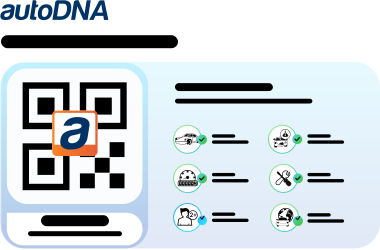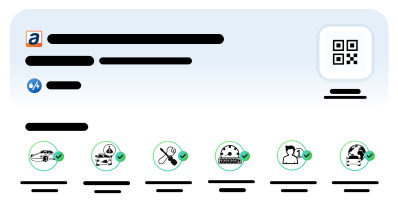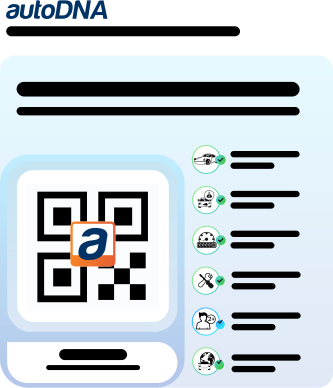
Highlight your vehicle listing with autoDNA badges

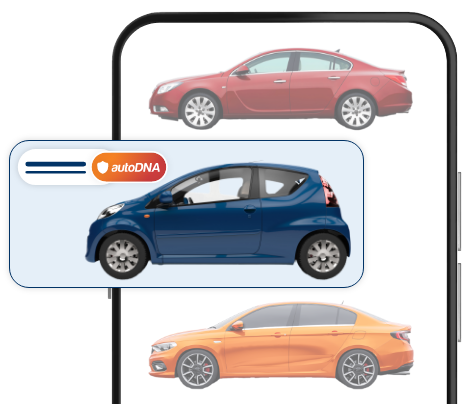
Selling a car? Let buyers know your listing can be trusted! Mark your photos with badges showing a verified vehicle history

Stop losing money on your listing in three simple steps

step icon 1
Step 1

Has your listing been up for months?

Every extra day means lost time… and money.

step icon 2
Step 2

Add autoDNA badges

Show buyers that the vehicle's history has been verified.

step icon
Step 3

Gain an edge

Attract buyers' attention and increase your chances of a good sale.

Highlight your listing and sell faster

Add autoDNA badges to your listing – build buyer trust even before the first phone call.

Build the credibility of your offer at first glance

Make your listing stand out from other vehicles

Help buyers make their purchase decision more easily

autoDNA badge or QR label from the autoDNA report

Turn your report into a visible part of your offer. Add an autoDNA badge or QR label to your listing to make the vehicle stand out, boost the credibility of your offer, and attract buyers' attention more effectively.

Badge/QR label Badge

Help your customers make the right choice

How to mark a verified vehicle history?

step 1

Generate an autoDNA Vehicle History Report.

step 2

After logging in to the customer panel, upload your photos, then add the badge of your choice and/or download the QR label.

step 3

Add the photos to your listing.
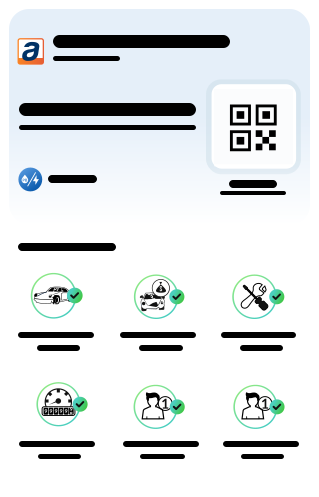
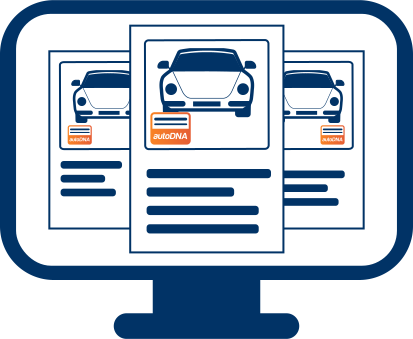
A screenshot showing three graphics illustrating the autoDNA report

FAQ

No, autoDNA badges are free. After purchasing a Vehicle History Report, you can use badges and QR labels free of charge in the customer panel.
An icon of a laptop with a red car and a VIN number written on it. There are gold coins with a dollar sign around it.
Without purchasing a report, you can only add a badge to a photo. Full functionality, including the option to download the QR label, becomes available only after generating a Vehicle History Report.
An icon of a laptop with a red car and a VIN number. Surrounding it are icons for air conditioning (AC), heated seats, and parking sensors.
You can share the Vehicle History Report with a customer, for example, using a convenient QR label. The code is available as: an attachment to the email you receive after purchasing the report, or a QR label you can download in the badge-generation tool. Once scanned, the customer will be automatically redirected to the autoDNA Vehicle History Report.
A laptop icon featuring a white checkmark inside a green circle. Next to it is a blue paragraph symbol.
An icon of a laptop with a red car and a VIN number written on it. There are gold coins with a dollar sign around it.
modal-what-is-alt
What is the VIN number?
The VIN (Vehicle Identification number) is a unique identifier assigned to each vehicle. It consists of 17 digits and capital letters that contain information about the brand, model, year of production and the characteristic features of the vehicle. The VIN number is used to track the vehicle history, such as repairs, technical inspections and accidents. This is a key element when checking the technical condition and vehicle history before buying.
modal-where-is-alt
Where to find a VIN number?
The VIN number is placed on elements permanently related to the body. You can usually find it on the driver's side, in the service book, on the side of the engine and in various other places, which is often conditioned by the car brand. If you do not find it under the hood, you can look for it in the trunk, on the floor in the passenger cabin, on the threshold, on the front septum, the nest of the front suspension column, the floor in the passenger compartment or the label affixed to the dashboard.
co to jest numer vin
Tip
Almost 20% of buyers from online advertisements had a problem with obtaining a VIN number from the seller. It is about an open attempt to hide the history of the car, and over 10% of drivers met with a situation in which the seller posted an incorrect or false VIN number in the advertisement.
scroll to top